
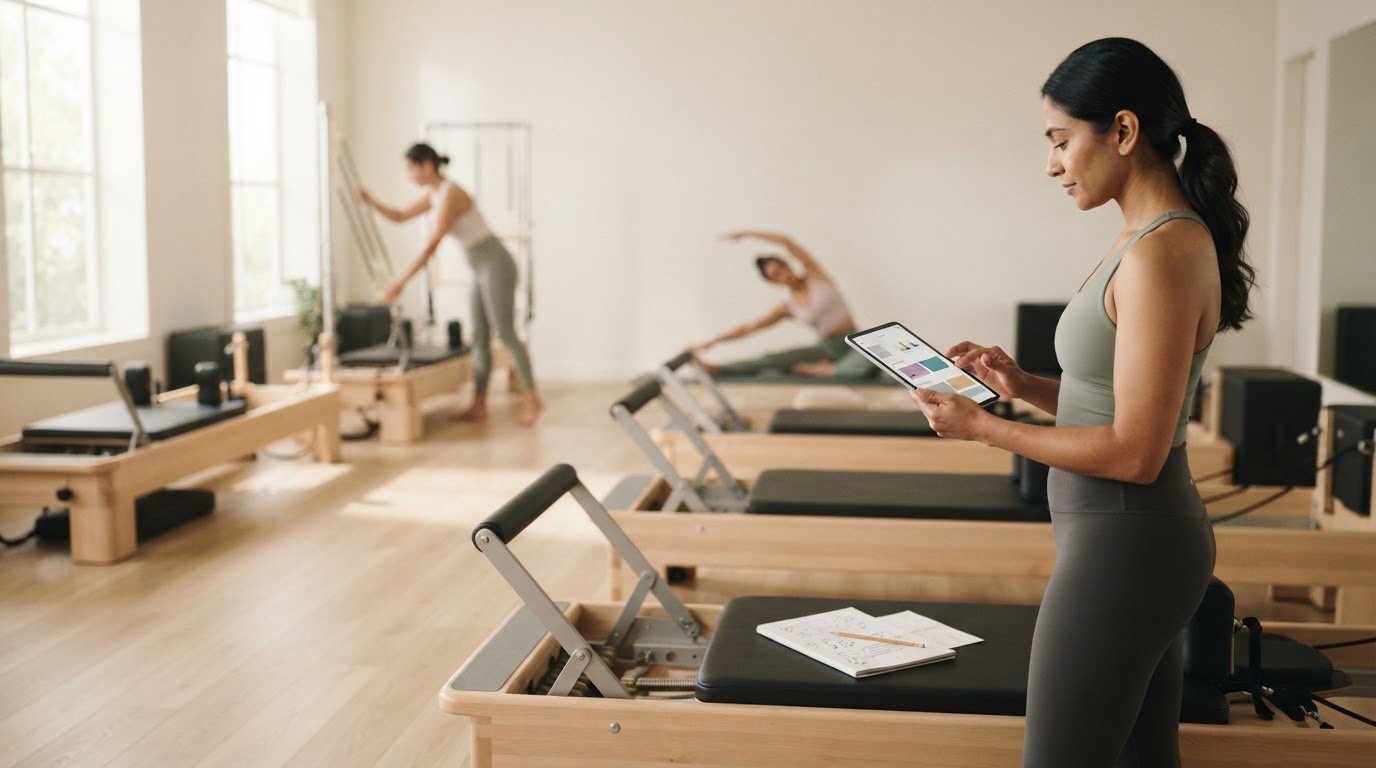
What if a reformer pilates class planning worksheet alternative kept the structure you rely on without leaving you to decipher handwritten notes before class? Paper can be quick and tactile, but changing a sequence, reusing a plan, or tracking spring setups can turn simple preparation into extra admin.
You don’t need a more complicated system. You need one that makes exercise order, transitions, and Reformer setup easy to review, while keeping your attention on the people in the room. This article compares paper worksheets with practical digital options so you can choose a planning workflow that suits the way you teach.
We’ll look at where generic templates and notes apps can fall short, and what a Reformer-specific tool can bring to planning and teaching. ReformerFlow by Ginty includes a library of over 400 exercises with video, level, and spring-setup details personalized to your Reformer, alongside a glanceable teaching mode. The aim isn’t to replace instructor judgment. It’s to make your plan easier to adapt, reuse, and follow when class begins.
Key Takeaways
- Separate a class plan, a reusable template, and a live teaching reference so each one serves a clear purpose.
- Use a practical checklist to assess whether a planning format supports Reformer-specific details, easy updates, quick retrieval, and at-a-glance reading.
- Compare paper, templates, notes apps, and a reformer pilates class planning worksheet alternative to find the right balance of structure and flexibility.
- Move to a new workflow gradually: review your existing plans, test one class, and refine what works before reorganizing your whole library.
- See how ReformerFlow’s exercise references and teaching mode can connect class preparation with in-class use.
Table of Contents
- Why look for a Reformer Pilates class planning worksheet alternative?
- What should a strong worksheet alternative include?
- Worksheet, template, notes app, or Reformer planning app?
- Moving from worksheets to a better planning workflow
- How ReformerFlow offers a Reformer Pilates worksheet alternative
Why look for a Reformer Pilates class planning worksheet alternative?
A worksheet can be a simple way to map a class: write down the exercises, add a few cues, and take the plan into the studio. Friction often appears as classes change. Adapting a sequence for a different level or client can leave you with another version to edit, file, and find later. That’s when a reformer pilates class planning worksheet alternative becomes worth considering, not because paper is inherently ineffective, but because the planning process should stay manageable.
It helps to separate three jobs that can get bundled together. A class plan is the sequence and intention for one session. A reusable template provides a consistent structure, such as space for a warm-up, main work, and closing. A live teaching reference is the concise cue or setup information you need to glance at while teaching. One format may serve all three roles, or you may prefer different tools for preparation and class.
That distinction matters in Reformer work, where an exercise name alone may not capture the setup you need. The Pilates method has a broader history and principles, but instructors still make choices about sequencing, cueing, and adapting a session. A planning format should make those choices easier to organize, not make them for you.
What a class planning worksheet does well
Paper is flexible, familiar, and quick to mark up. You can sketch a transition, cross out an exercise, or jot down a cue without learning a new interface. A consistent worksheet can prompt you to consider class sections and build a repeatable planning habit. For a simple sequence you can retrieve easily, that may be all you need.
Where paper planning starts to create friction
Friction builds when plans need frequent revisions. Rewriting or duplicating a sequence for different levels takes time, while binders and loose pages can make an effective plan hard to locate. Progressions may live in separate notes, and static exercise names don’t automatically connect to a visual reference or spring details. You may end up switching between pages or relying on memory during preparation.
Some instructors also prefer paper in the studio because it feels more natural than checking a device. That’s a teaching preference, not a planning failure. The useful question is whether your notes are clear and accessible when you need them. A better workflow might remain paper-based, become digital, or combine both. In each case, it should preserve instructor judgment and leave room to adjust the plan to the class in front of you.
What should a strong worksheet alternative include?
A useful planning format should solve the points that slow you down, not add features you’ll rarely use. Whether you choose paper, a digital tool, or a hybrid workflow, start with the essentials: Reformer relevance, easy editing, reliable retrieval, clear sequencing, and readability during class.
A useful planning alternative supports preparation and live instruction while leaving the instructor in control of every class decision.
Use this checklist to assess a reformer pilates class planning worksheet alternative:
- Reformer relevance: Can you record exercise variations and the machine setup details you actually need?
- Editability: Can you adapt a sequence without rebuilding it from scratch?
- Retrieval: Can you find a saved plan when you need it, including plans for different levels or class formats?
- Sequencing support: Is the order of exercises and transitions clear?
- In-class readability: Can you locate the next movement or setup cue quickly while keeping your attention on clients?
Keep these needs separate from optional conveniences, such as extra customization or automation. A feature is useful only if it reduces friction in your actual workflow. For class structure, the well-rounded fitness training plan guidance from Mayo Clinic can offer a broader reference point for considering elements such as strength, core, and flexibility. Use it as a planning lens, not a fixed formula for every Reformer session.
Planning features that help before class
Before class, look for clear exercise names, relevant level information, and space to note sequence or transition choices. Visual references can help you confirm an exercise instead of relying on memory alone. Check how easily you can save and retrieve an adapted plan for a future session. If spring choices vary by machine, keeping those details alongside the relevant exercise can reduce the need to consult separate notes.
Teaching features that matter in the studio
During class, the plan should make the next movement and its key setup details easy to find at a glance. If you’re considering a screen-based tool, test its readability on the device and in the placement you actually use. There’s no single setup that suits every instructor or studio. The aim is to avoid toggling between disconnected notes, not to keep your eyes on a screen.
Judge any format across both stages: Can you prepare and adjust the class clearly, then refer to the plan without breaking your teaching rhythm? To see how a Reformer-specific app handles exercise references and class planning, explore the ReformerFlow app.
Worksheet, template, notes app, or Reformer planning app?
The right format depends on how often your classes change, how large your plan library is, and what you need to see while teaching. This comparison gives you a practical starting point. It’s a workflow choice, not a ranking: a familiar paper plan may suit one instructor, while another benefits from exercise references and setup details in one place.
FormatSetup effortEditingExercise referencesSpring detailsRetrievalTeaching visibilityPaper worksheetLowQuick handwritten edits; rewrites may be neededUsually added separatelyMust be written inDepends on filing systemEasy if kept nearby and legibleReusable templateLow once createdConsistent structure; duplicate and adaptSpace for instructor notesCan include a dedicated fieldDepends on how copies are storedClear if kept conciseGeneral notes appLow to moderateEasy to update and copyMay require separate links or filesCan be recorded, but isn’t Reformer-specificSearchable if notes are organizedVaries by layout and deviceReformer-specific appRequires learning the app’s workflowDesigned for digital class planningMay include exercise media and level detailsMay connect setup references to exercisesPlans and references can be organized digitallyDepends on the app’s teaching view and your setup
When a paper worksheet or template is enough
If you teach a stable sequence, prefer handwriting, and can find your plans quickly, paper may be a good fit. A consistent template can remind you to map each class section without introducing new software. Repeated rewriting, difficulty locating older plans, or a growing collection of versions are useful signals that paper is starting to take more effort than it saves.
When a dedicated Reformer app is worth considering
A general notes app can store exercise names and cues, but it may leave you assembling references from separate places. A Reformer-specific app can bring exercise information, visual references, levels, and spring details closer to the planning workflow. Video and level information, for example, can help you review an exercise while preparing a sequence, while machine-specific spring configurations keep setup notes relevant to your Reformer.
A hybrid approach can bridge the two: prepare and organize digitally, then keep a short printed reference for class if that better suits your teaching habits. When comparing apps, focus on workflow and Reformer-specific references, not just feature counts. The best reformer pilates class planning worksheet alternative is the format you can adapt, retrieve, and use without pulling attention away from teaching.
Moving from worksheets to a better planning workflow
Changing tools doesn’t mean starting over. Keep the sequences that already work and move one class at a time. This four-step process lets you test a reformer pilates class planning worksheet alternative without reorganizing your entire planning library before you know what helps.
- Audit your current plans. Identify what’s easy to use and what takes effort, such as finding an older sequence, updating a level, or locating spring notes.
- Select a format. Choose paper, a reusable template, a notes app, a Reformer-specific app, or a hybrid based on the friction you want to address.
- Test one class. Start with a familiar plan and use the new format for preparation and teaching. Keep the original worksheet nearby as a reference.
- Refine the workflow. After class, note what was clear, what was hard to find, and what you’d change before moving more plans across.
Start with one familiar class plan
Choose a class you teach often, rather than a new sequence with several unknowns. Identify the details you need to preserve, then organize them clearly: exercise order, transitions, teaching cues, level, and spring setup. This audit helps reveal whether the new format supports your decisions or simply stores the same information differently. A Reformer Pilates class design guide can also help you think through the structure of a sequence, while keeping your own effective choices intact.
Don’t migrate every variation at once. Bring over the base sequence first, then add adaptations you use regularly. Keeping the original worksheet available gives you a straightforward reference if a note didn’t transfer or the new layout feels unfamiliar.
Test the plan in the studio and refine it
During the test class, notice how quickly you can find the next movement and its relevant setup information. Pay particular attention to transitions: if one exercise leads into another, does your plan make that shift clear? Reviewing guidance on seamless Reformer exercise transitions may help you spot where a brief note could make the sequence easier to follow.
Stay focused on teaching during the session. Don’t stop to redesign the format after every small inconvenience. Instead, capture friction points afterward: a spring detail was difficult to locate, a cue needed more space, or the next movement wasn’t obvious at a glance. Make targeted changes, then test the revised plan again. A gradual transition keeps useful sequences available while you build a workflow that fits your teaching habits.
Explore the ReformerFlow app## How ReformerFlow offers a Reformer Pilates worksheet alternative
A worksheet can hold an exercise list, but you may need to find video references, level notes, and spring information elsewhere. ReformerFlow brings those planning details into a mobile app designed for Reformer instructors. It’s a reformer pilates class planning worksheet alternative for instructors who want to organize class plans and exercise references together, while keeping teaching decisions in their own hands.
From a static worksheet to a connected Reformer plan
ReformerFlow’s curated library contains over 400 Reformer exercises. Exercise entries include video, level, and spring-setup details, so you can review an exercise and consider its place in a session without relying only on a handwritten name or separate reference notes. This can help when adapting a familiar sequence or reviewing an exercise you haven’t taught recently.
Class-building tools let you assemble and save routines. Instead of repeatedly rewriting an effective plan, you can organize it digitally and return to it when preparing another session. Spring configurations are personalized to your Reformer, connecting setup information to the machine you teach on rather than leaving those details as generic notes.
Planning and teaching are connected stages of the workflow. ReformerFlow’s glanceable teaching mode provides a live reference during class, while the exercise library and class-building tools support preparation. The app doesn’t dictate the sequence or replace your judgment. You still choose the movements, transitions, cues, and adaptations that suit the people in front of you. It gives those decisions a structured place to live.
Try the workflow with a 14-day free trial
ReformerFlow is available on iPhone, iPad, and Android. The app is free to download and includes a 14-day free trial. Use the trial to see whether having exercise videos, levels, personalized spring setups, saved routines, and a teaching reference in one app fits the way you prepare and teach.
If a more connected approach feels like a useful next step, try ReformerFlow with a class plan you already know well.
Try ReformerFlow free for 14 days## Choose a planning workflow that supports your teaching
The right reformer pilates class planning worksheet alternative isn’t automatically digital. Choose a format that makes plans easy to adapt and retrieve, keeps exercise order and setup details clear, and works with the way you teach. If you’re considering a change, start with one familiar class, test the workflow, and refine it before moving more plans.
ReformerFlow brings planning and in-class reference together in a mobile app. Its curated library includes over 400 Reformer exercises with video, level, and spring-setup details. Spring configurations are personalized to your Reformer, while glanceable teaching mode offers a reference during class. The app is available on iPhone, iPad, and Android, so you can try this approach in your routine.
Try ReformerFlow free for 14 daysKeep the sequences that work. Choose tools that give you more clarity and space to focus on your clients.
Frequently Asked Questions
What is the best alternative to a Reformer Pilates class planning worksheet?
The best alternative is the format that makes your class plans easy to adapt, retrieve, and reference while you teach. A reusable template may be enough for stable sequences, while a notes app offers searchable storage. A Reformer-specific planning app can bring exercise references and spring details into the same workflow. Choose based on the friction you want to reduce, not the number of features available.
Can I plan a Reformer Pilates class without a worksheet?
Yes. You can plan in a notes app, a digital class planner, or another format that helps you organize exercise order, transitions, cues, and setup details. A worksheet is only one way to structure those decisions. If you teach from a familiar sequence, a concise digital note may work well. If setup information is easy to forget, keep it alongside the relevant exercise.
How do digital Reformer Pilates class planning tools work?
Digital tools can help instructors organize exercises into class sequences, save plans, and retrieve them for later sessions. Reformer-focused apps may also include exercise references such as videos, levels, and spring details. Some offer a teaching view for checking the plan during class. Assess whether a tool supports both preparation and live instruction without adding distracting steps.
Is a Reformer Pilates planning app better than a notes app?
Not for every instructor. A notes app can be a practical choice for storing cues and simple sequences, especially if you already use it consistently. A Reformer Pilates planning app may be more useful when you want exercise references, levels, and spring information connected to class planning. Compare the time you spend organizing information across tools with the effort of using a dedicated app.
Can a digital class plan show Reformer spring settings?
Yes, if the planning tool includes spring information or gives you a place to record it. ReformerFlow includes spring-setup details with exercises and personalizes spring configurations to the instructor’s Reformer. This keeps setup references close to the movement in your plan. Use the information alongside your professional judgment when preparing a class.
How do I move my existing Pilates worksheets into a digital workflow?
Start with one class you teach often. Transfer its exercise order, transitions, cues, levels, and spring notes into your chosen digital format, then keep the original worksheet nearby as a reference. Test the new plan in the studio and note what was difficult to find. Refine that plan before moving more sequences, so effective classes stay intact and the transition remains manageable.
Does ReformerFlow offer a free trial?
Yes. ReformerFlow is free to download and includes a 14-day free trial. The app is available on iPhone, iPad, and Android. During the trial, explore its class-planning workflow, curated library of over 400 Reformer exercises, exercise videos, level and spring details, personalized spring configurations, and glanceable teaching mode to see whether they suit your preparation and teaching habits.