
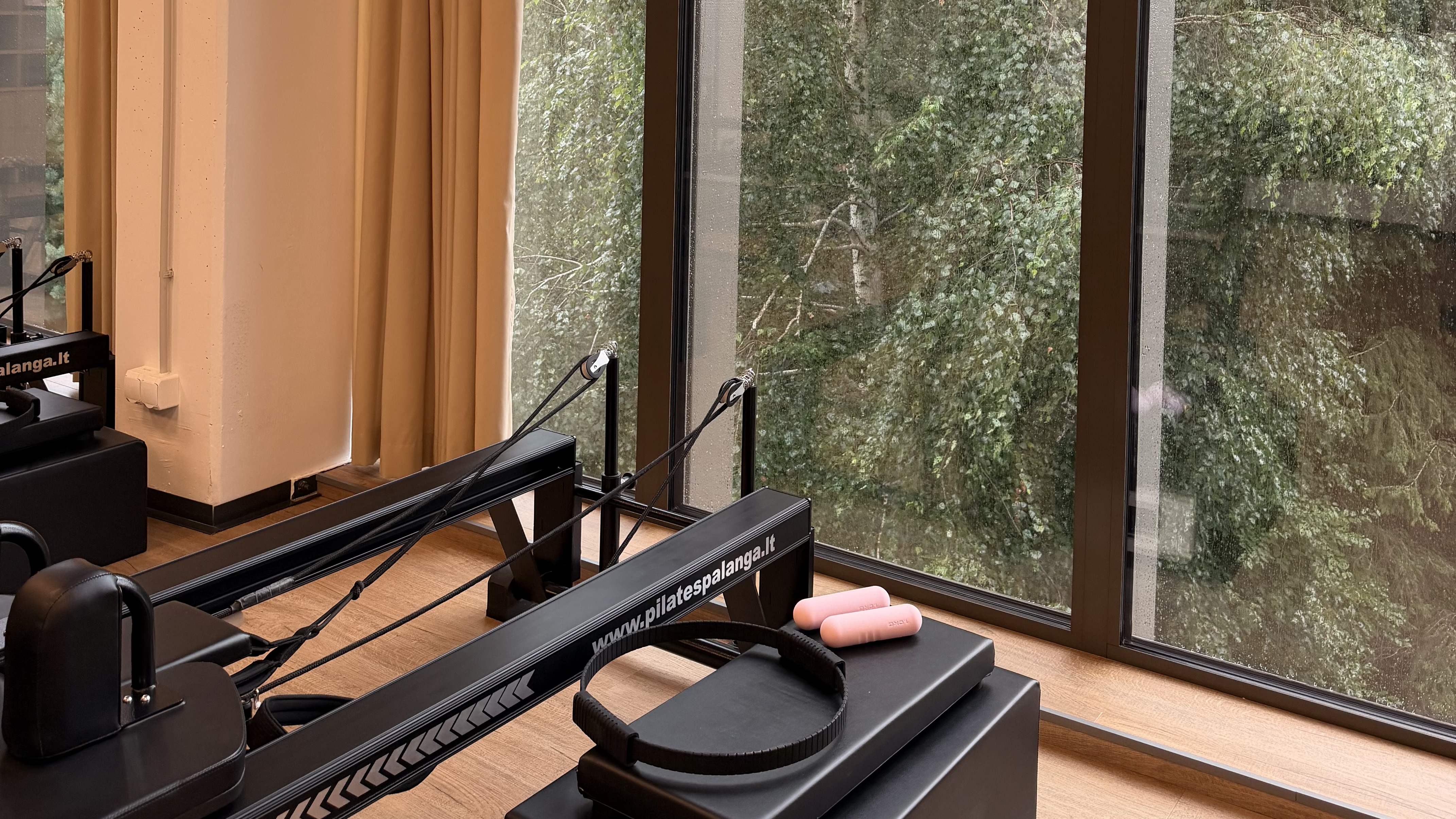
What if your Sunday evening wasn't defined by the stress of manual sequencing, but could be reclaimed in exactly five minutes? Most instructors understand the cognitive drain of traditional planning. You spend hours mapping out flows only to forget a transition mid-class or realize your spring settings don't match the studio's specific equipment. Choosing the right reformer pilates class planner for ipad is the difference between a frantic session and professional mastery. It's about shifting from a static notebook to a live, responsive co-pilot that supports your expertise.
You deserve a workflow that mirrors the flow you teach. This 2026 guide reveals how to transform your iPad into a precision-engineered studio cockpit, reducing your administrative load while sharpening your delivery. We'll examine how curated libraries and machine-specific configurations allow you to lead with quiet confidence. You'll learn to streamline your preparation, master seamless transitions, and focus entirely on the movement of your clients.
Key Takeaways
- Discover how to condense your weekly planning into five minutes by transitioning from static paper notes to a high-precision digital studio co-pilot.
- Prioritize movement quality with a curated library of 400+ exercises featuring high-definition video support for instant form reminders.
- Eliminate equipment guesswork by personalizing your reformer pilates class planner for ipad to align with specific hardware like the Allegro 2 or C2-Pro.
- Enhance client connection using a glanceable teaching mode designed with high-contrast visuals to ensure you never lose eye contact during a sequence.
- Start a structured migration of your favorite hero sequences into a digital format with a comprehensive 14-day trial.
Table of Contents
- Why the iPad is the Professional Standard for Reformer Planning
- Core Features of a High-Performance Reformer Planner
- Technical Precision: Personalized Machine and Spring Setups
- The Glanceable Teaching Mode: Staying Present in the Studio
- Transitioning to Digital: Setting Up Your iPad Studio
Why the iPad is the Professional Standard for Reformer Planning
Professionalism in the studio is built on the details. While your expertise in the Pilates method is the foundation, your delivery relies on mental clarity. Traditional paper notes often fail under the pressure of a live class. Transitioning to a digital studio assistant replaces the friction of flipping pages with the fluid precision of a screen. A high-quality reformer pilates class planner for ipad acts as a buffer against cognitive load. It organizes your sequences so you can focus on the person in front of you, not the notes on the floor.
Client trust is earned through composure. A sleek iPad setup on a dedicated stand signals that you are prepared and invested in the session's quality. It removes the "instructor brain fog" that happens when you lose your place in a sequence. By offloading the logistical details to your digital assistant, you maintain better eye contact and provide more tactile cues. This shift in focus from "what comes next" to "how the client is moving" is what separates a good instructor from a master.
iPad vs. iPhone: Choosing Your Teaching Tool
Choosing your hardware is a strategic decision. While an iPhone is portable, it lacks the functional clarity required for professional teaching. An iPad provides the visual space needed to see an entire sequence without scrolling. You can view exercise names, spring settings, and transition cues simultaneously. This visibility builds authority. When you aren't squinting at a tiny phone screen, your clients feel your presence and command. An iPad also allows for split-view multitasking; you can manage your class playlist on one side while keeping your sequence open on the other. Stability is another factor. Most studio floor stands are designed for the iPad’s dimensions, ensuring your planner stays at eye level and secure throughout the session.
The End of the Paper Notebook Era
Paper is fragile and disorganized. A digital reformer pilates class planner for ipad offers instant searchability. You can find a specific hero sequence or a specific modification in seconds. Digital plans don't tear, get damp from studio humidity, or get lost in a gym bag. Beyond the studio floor, the organizational benefits are immense. You can categorize years of sequences without physical clutter. This archival capability means your best work is always accessible, searchable, and ready to be adapted for a new client's needs. Transitioning to a paperless system also reflects a modern, sustainable practice. It shows your clients that your studio values intentionality and efficient, tech-forward design.
Core Features of a High-Performance Reformer Planner
High-performance planning isn't about having the most choices; it's about having the right ones. Many apps boast thousands of generic exercises that can lead to decision fatigue. A professional reformer pilates class planner for ipad should prioritize curation over volume. A library of 400+ expert-selected moves ensures that every exercise in your sequence is purposeful and effective. This focus on intentionality reflects the broader trend of technological integration in modern Pilates, where digital tools are designed to enhance, not distract from, the instructor's expertise. When your library is curated, your planning becomes an act of precision rather than a chore of sorting through noise.
ReformerFlow ensures your plans are accessible wherever you need them. Whether you're reviewing a sequence on your phone during a commute or teaching from your iPad in the studio, the transition is seamless. This accessibility allows for a consistent teaching style and reduces the friction of preparation. By offloading the storage of your sequences to a reliable digital co-pilot, you free up mental space for active instruction. If you're ready to experience this level of organization, you can explore the ReformerFlow App subscription to begin your transition.
The 5-Minute Planning Workflow
Efficiency is the hallmark of a seasoned professional. Using a drag-and-drop interface, you can construct a cohesive 50-minute class in the time it takes to drink a coffee. Start by filtering exercises by difficulty level. This ensures your sequence is appropriate for the clients in the room. You can then arrange moves to create a logical progression from footwork to the final stretch. Once a class is successful, save it. Repeating and iterating on "hero" sequences allows you to refine your teaching while providing a familiar yet challenging experience for your regulars. This iterative process turns every class you teach into a building block for future mastery.
Visual Reminders and Video Mastery
Complex transitions are often the first thing to slip from memory during a high-energy session. High-definition video support acts as a safety net. During your five-minute prep, you can watch a quick clip of a challenging move to refresh your form cues. Seeing the movement in action helps you visualize the flow before your clients even arrive. Glanceable thumbnails provide a storyboard of your class, allowing you to see the structural arc of the session at a single glance. For more in-depth advice on building these arcs, you can explore our guide on how to sequence a reformer pilates class. This combination of visual data and structural logic ensures you remain the most prepared person in the room.
Technical Precision: Personalized Machine and Spring Setups
Precision is the difference between a workout and a transformation. One of the most common friction points for instructors is the "Spring Tension Trap." Generic class plans often use vague terms like "one heavy" or "medium resistance." These descriptions fail because a blue spring on a Balanced Body Allegro 2 carries a different tension profile than a blue spring on a Peak Pilates machine. When you're forced to perform mental math mid-session to translate these terms for your specific equipment, your focus shifts away from your clients. Utilizing a professional reformer pilates class planner for ipad allows you to bypass these manual calculations entirely.
Personalization is the key to studio safety and exercise efficacy. By aligning your digital planner with your physical hardware, you ensure that every client experiences the intended resistance. Visual spring configurations provide a glanceable reference, showing you exactly which colors to hook on your specific machine. This level of technical accuracy builds a sense of order. It allows you to maintain the steady, methodical rhythm that defines a high-quality Pilates environment. Consistency across the studio floor becomes a standard, not a variable.
Matching Your Studio Hardware
Setting up your digital co-pilot begins with selecting your specific machine type. Whether your studio is equipped with the Allegro 2, the C2-Pro, or another professional model, ReformerFlow calibrates your sequences accordingly. This instant calibration removes the guesswork from your preparation. Correct spring tension is vital for client safety, especially during complex movements where stability is paramount. When your planner understands your hardware, you reduce setup time and eliminate the risk of resistance errors. It's a streamlined approach that prioritizes professional mastery and client well-being.
Customizing for Specific Client Needs
Mastery also involves the ability to adapt. Your planner should allow you to adjust spring settings for individual requirements, such as rehabilitating an injury or providing an advanced progression. You can record specific machine quirks or setup notes directly within the sequence. This is particularly useful for guest instructors or when sharing plans within a team. For a deeper look at optimizing your technical environment, refer to the 2026 Reformer Pilates Class Planning App Guide. Documenting these nuances ensures that the quality of instruction remains high, regardless of who is leading the class. It creates a reliable, professional record that honors the specific needs of your community.
The Glanceable Teaching Mode: Staying Present in the Studio
Digital tools often present a paradox in the studio. While they promise better organization, a busy interface can force you to choose between your notes and your clients. Losing eye contact to squint at a screen breaks the flow of the session and diminishes your authority. A professional reformer pilates class planner for ipad resolves this by offering a dedicated Teaching Mode. Instead of the dense data seen during the planning phase, this mode prioritizes high-contrast visuals and large fonts. You can absorb the next move in a fraction of a second, ensuring your attention remains where it belongs: on the bodies in front of you.
Effective instruction relies on timing. ReformerFlow acts as a subtle co-pilot by prompting your next transition before the current exercise ends. This foresight prevents the awkward pauses that can occur when an instructor is mentally reaching for the next sequence. Integrated timing cues also ensure your 60-minute class stays on track. You can monitor your progress through the session's arc without checking a watch, maintaining a seamless environment that honors the client's time and focus. This methodical pace reflects the professional mastery your clients expect.
Experience Teaching Mode with a ReformerFlow subscription### Maintaining Client Connection
Technology should be a tool, not a barrier. Placing your iPad stand at eye level and slightly to the side of your teaching path allows for quick, glanceable checks without turning your back on the room. Because you aren't fumbling with paper or a small phone screen, you have more freedom for hands-on corrections and tactile cues. A reliable digital roadmap builds a sense of instructor confidence. When you know exactly where the sequence is going, you can lead with the quiet authority that defines a high-quality studio experience. You become more present, not less, when your tools are designed for the active floor.
Real-Time Adjustments
Mastery is the ability to adapt when the energy of the room shifts. If a client is struggling with a specific move or if the group is ready for a greater challenge, you can quickly swap an exercise within the app. This agility allows you to maintain class momentum without looking flustered. You can also mark modifications on the fly, creating a record for future iterations. This flexibility ensures you maintain professional composure even when the plan needs to change. Using a reformer pilates class planner for ipad means your expertise remains the focal point, supported by a system that moves as fast as you do.
Transitioning to Digital: Setting Up Your iPad Studio
Transitioning to a digital workflow is more than a technical upgrade. It's a commitment to your own mental clarity. By adopting a reformer pilates class planner for ipad, you replace the friction of manual preparation with a streamlined, professional ritual. This shift allows you to reclaim your weekends and enter the studio with a sense of calm authority. Order follows action. When your tools are organized, your teaching becomes more intuitive and responsive to the clients in front of you.
Establishing a weekly planning ritual is the most effective way to beat instructor burnout. Instead of spending hours on Sunday night sketching sequences, dedicate five minutes to your digital co-pilot. Start by migrating your "hero" sequences—those reliable, crowd-pleasing flows—from your paper notebooks into the app. Having these foundational blocks digitized means you can iterate on them in seconds. You aren't just saving time; you're building a searchable archive of your professional expertise.
The 14-Day Professional Pilot
The best way to test a new system is to integrate it into your active studio life. ReformerFlow offers a 14-day free trial, providing full access to the library of 400+ exercises and machine-specific configurations. Follow these steps to maximize your trial:
- Step 1: Download the app and select your specific machine configuration to ensure spring tension accuracy.
- Step 2: Explore the curated library and save three core sequences for your upcoming week.
- Step 3: Use the Teaching Mode in a live session to experience the glanceable flow and high-contrast visuals.
This structured approach allows you to see the immediate impact on your delivery. By the end of the second week, the five-minute planning habit will feel like a natural extension of your professional practice.
Optimizing Your Studio Environment
Choosing the right hardware ensures your reformer pilates class planner for ipad remains an asset rather than a distraction. If you value a large, immersive workspace for complex sequencing, the iPad Pro is the industry standard. For instructors who prefer a lightweight, highly portable option that fits easily onto smaller reformer frames, the iPad Mini is an excellent alternative. Pair your device with a sturdy floor stand to keep your plans at eye level. This prevents the need to bend down between exercises, maintaining your professional posture. While ReformerFlow includes an offline mode for uninterrupted access, a reliable studio Wi-Fi connection ensures your latest sequences are always synced across devices. Joining the community of digital-first instructors means choosing a path of precision, ease, and professional pride.
Elevate Your Professional Practice
Mastering your studio workflow is about more than just saving time. It's about the mental clarity you gain when your logistics are handled with technical precision. By integrating machine-specific spring settings and a glanceable teaching mode, you ensure your focus remains entirely on your clients. This shift from manual planning to digital mastery allows you to lead with the quiet confidence that defines a seasoned expert.
ReformerFlow was designed by Ginty, a professional Reformer instructor, to solve the specific frictions of the studio floor. It transforms the reformer pilates class planner for ipad from a simple digital notebook into a sophisticated studio co-pilot. You have the industry expertise. Now, you have the tools to match your professional standards and protect your focus.
Start your 14-day free trial of ReformerFlow and plan your next class in 5 minutes.Reclaiming your time starts with a single decision to digitize. Step onto the floor with a clear mind and a perfect plan.
Frequently Asked Questions
Is the ReformerFlow app compatible with all iPad models?
ReformerFlow is compatible with any iPad capable of running a modern version of iPadOS. While the app functions smoothly on the iPad Mini for those who prioritize portability, the iPad Pro provides the optimal screen size for our glanceable teaching mode. A larger display ensures you can see every transition and spring setting without needing to step closer to the device.
Can I use the app on my Android tablet or phone as well?
The app is currently optimized for the Apple ecosystem to ensure the highest stability and video performance. While a mobile version is available for reviewing your sequences on an iPhone, the full reformer pilates class planner for ipad experience is designed specifically for the tablet interface. This focus allows us to maintain a professional, high-performance tool for the studio floor.
Does the planner include exercises for the Cadillac or Wunda Chair?
The current library is dedicated exclusively to the Reformer to ensure total technical depth and precision. By focusing on a curated collection of 400+ Reformer exercises, we provide more specific cues and machine-specific settings than generic apps. This specialization supports instructors who want to master the most complex piece of equipment in the studio.
How do I customize the spring settings for my specific Reformer brand?
You can calibrate the app by selecting your specific machine hardware within the settings menu. Whether you use Balanced Body, Peak Pilates, or another professional brand, the app automatically translates resistance cues into your machine's specific spring colors. This feature eliminates the mental math usually required to convert generic "medium" or "heavy" instructions into your studio's reality.
Is there a free version of the Reformer Pilates class planner?
We provide a 14-day free trial that gives you unrestricted access to the full exercise library and all professional features. This allows you to test the workflow in a live studio environment before committing. Following the trial, a ReformerFlow App Subscription is required to maintain your library and access new content updates.
Can I share my sequences with other instructors in my studio?
Your sequences are securely saved to your personal professional profile, ensuring your intellectual property and teaching style are always accessible on your own devices. This setup is designed to protect your unique "hero" sequences and modifications. It allows you to build a consistent personal brand and a reliable archive of your best professional work.
Does the app work offline if my studio has poor Wi-Fi?
Yes, the app features an offline mode specifically for studios with unreliable connectivity. Once you've downloaded your library and synced your sequences, you can teach your classes without a live internet connection. This ensures that your reformer pilates class planner for ipad remains a stable co-pilot that never fails mid-session.
What makes ReformerFlow different from generic fitness planning apps?
ReformerFlow is built by a professional instructor for professional instructors, prioritizing curation over sheer volume. Instead of thousands of generic moves, we offer 400+ expert-selected exercises with high-definition video and machine-specific spring configurations. The interface is designed for the reality of the studio floor, featuring high-contrast visuals that support your teaching without distracting from your clients.