
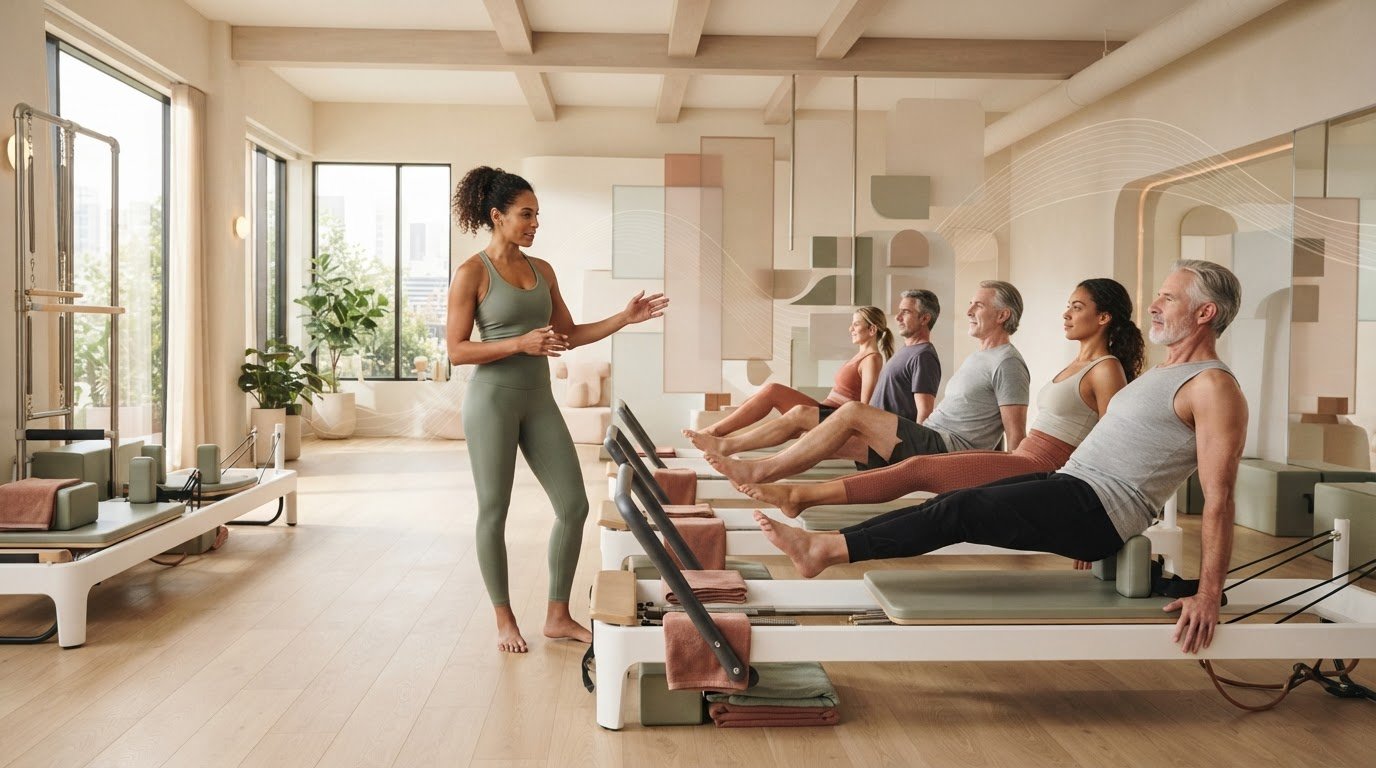
What if a dependable class plan made your teaching more adaptable, not less? Creating reusable pilates class templates can save you from planning every Reformer session from a blank page while giving you a clear structure to adjust for each group. A template doesn’t have to make classes feel repetitive. The key is to reuse the framework, not every detail.
This guide explains how to build a useful template around class goals, exercise order, spring settings, and transitions, then adapt it for different levels and client needs. You’ll have a practical way to reduce last-minute planning and keep your attention on clear cues and the people in front of you.
We’ll cover what to record, how to create variation without losing flow, and how to keep a plan easy to reference while teaching. ReformerFlow helps organize reusable plans with a library of over 400 exercises, including video, level, and spring-setup details personalized to your Reformer machine. Its glanceable teaching mode also makes it easier to refer to your plan during class.
Key Takeaways
- Start with the session aim and group needs, then map the class phases before choosing exercises.
- Reuse a flexible framework, but adapt the elements that should respond to each class.
- When creating reusable pilates class templates, weigh planning effort against adaptability to choose a format that suits your teaching style.
- After teaching a draft, review pacing, transitions, cue clarity, and client response to decide what to refine.
- Organize class plans and exercise sequences in ReformerFlow, then refer to them in its glanceable teaching mode.
Table of Contents
- Why create reusable Pilates class templates for Reformer sessions?
- Build a reusable Pilates class template around purpose, progression, and flow
- Reusable templates versus fixed plans: keep consistency without repetition
- Create, test, and refine a reusable Pilates class template
- Use ReformerFlow to organize reusable class plans and teach with clarity
Why create reusable Pilates class templates for Reformer sessions?
Planning every Reformer class from a blank page means making the same structural decisions repeatedly. A reusable template gives those decisions a home. It’s a flexible planning framework, not a script to follow regardless of who’s in the room. Keep a dependable shape for the session, then use your judgment to adapt the work.
That structure supports the intentional movement and control associated with the Pilates method without prescribing one sequence for every group. It also helps distinguish three planning tools: a template sets the repeatable framework; a lesson plan fills it with choices for a specific session; an exercise sequence is the ordered set of movements within that plan. Keeping these roles clear makes it easier to reuse the structure without teaching the same class every time.
Reusable template: A flexible class-planning framework that organizes session purpose, phases, timing, exercises, and setup notes while leaving room to adapt to the people in class.
What belongs in a Reformer Pilates class template?
Capture the details that help you build a coherent class and prepare the equipment:
- Session frame: Purpose, intended level, broad phases, and approximate time allocation.
- Movement plan: Exercise names, order, transitions, and relevant spring setup for your Reformer.
- Teaching notes: Space for cues, options, and observations from the session.
For example, a template might include an opening, a main strength-focused phase, and a closing. The exercises and timing within those phases can change. A brief spring or transition note can prompt your memory, while space for options helps keep the plan responsive rather than over-prescriptive.
How templates save planning effort without flattening your teaching
A template can organize recurring decisions, such as which phases to include, where transitions happen, and which setup details you need to record. You spend less time rebuilding the session’s overall shape, but the template doesn’t decide how challenging a movement should be today, which option suits a participant, or whether the planned pace fits the group.
Those choices still belong to you. Before class, adapt the framework to the session aim, participants, and teaching context. During class, respond to what you observe. Afterward, add useful notes rather than treating the original plan as untouchable. The value of creating reusable pilates class templates isn’t sameness. It’s having a clear starting point so you can focus on what changes from session to session.
Build a reusable Pilates class template around purpose, progression, and flow
Start with the reason for the session, not a list of favorite exercises. A clear aim gives you a filter for later choices: Does this movement support the focus, suit the group, and fit the intended progression? This keeps the framework coherent while leaving the sequence open to your judgment. For broader class-design principles, see the American Council on Exercise’s guidance on principles of exercise science.
Set the class aim and choose the framework
Before selecting exercises, note the session focus, intended level, and relevant client context. Then map the broad phases and allocate time according to your class format. A mobility-focused session and a strength-focused session might use the same framework, but emphasize different work or distribute time differently. For deeper design principles specific to Reformer sessions, refer to the Reformer Pilates class design guide.
Use this five-step workflow to build the plan:
- Set the session aim: Name the primary focus in a short phrase.
- Identify the group: Record the intended level and relevant needs or considerations.
- Map the phases: Outline the broad parts of the session and assign approximate time.
- Select exercises: Choose movements that support the aim and create a manageable progression.
- Review the flow: Check that each phase connects logically and fits the available class time.
To keep the progression coherent, consider what each exercise prepares participants to do next. At transition points, note equipment changes or repositioning that could interrupt the flow. You don’t need to document every sequencing decision. A short reminder at a change point may be enough to make the plan practical when you’re teaching.
Select exercises and capture the details you need
Choose movements that fit the aim and intended level, then record the details you’ll need to teach them smoothly: exercise name, order, level, transition requirements, and relevant spring setup for your machine. Add a concise cue or video reference when it will help you prepare. ReformerFlow’s library includes over 400 exercises with video, level, and spring-setup details personalized to your Reformer machine.
Keep the reusable framework broad. These labels organize your thinking without prescribing a universal class sequence:
- Session aim and group context
- Phase headings and approximate timing
- Exercise, transition, and spring setup notes
- Cue reminders and options
- Post-class observations
Use the framework to reduce repeated planning, then adapt its contents to the people in front of you. Organize Reformer class plans with ReformerFlow to keep exercise details and teaching references alongside your planning workflow.
Reusable templates versus fixed plans: keep consistency without repetition
A template can provide a steady structure without dictating the same class every time. Reusing headings, prompts, or broad phases doesn’t mean repeating identical exercises. Keep the framework familiar, then adapt the session content to its aim, the group, and what you observe.
Each planning approach involves a different trade-off between preparation effort and flexibility:
ApproachAdaptabilityPreparation effortFlexible templateHigh. Reuse the structure and adjust exercises, progressions, and notes for the session.Moderate at first, then less repeat setup as the framework becomes useful.Fixed class scriptLower. The sequence and details are set, so changes may require reworking the plan.More preparation upfront, with less decision-making if the script is used as written.Planning from scratchHigh. Every element can be shaped for the session.Repeated planning effort, since the structure and details must be rebuilt each time.
What to keep consistent across classes
Keep the planning prompts that help you prepare: session aim, intended level, broad phases, timing, and a clear way to note transitions. Consistent notation makes plans easier to scan. Retain relevant setup details for your machine and selected exercises, but treat them as references, not instructions that outrank what you see in class.
What to adapt before each session
Before using a saved plan, revisit its purpose and group context. A plan that worked for one class may need different exercise choices or progression for another. Update transitions and spring notes when your selected movements or setup change. The framework can stay recognizable while your teaching decisions remain responsive.
For example, keep the same prompts for aim, phases, and setup notes, but choose different exercises to suit the day’s focus. If a transition feels awkward or the pacing doesn’t fit, revise that part rather than discarding the whole template. Creating reusable pilates class templates is about reducing repeated decisions, not removing instructor judgment. No single format suits every instructor, group, or Reformer machine, so keep the framework only as structured as your teaching requires.
Create, test, and refine a reusable Pilates class template
Your first template doesn’t need to be comprehensive. It needs to be teachable, easy to review, and clear enough to adapt. Draft it, check the practical details, use it in class, then revise what the experience shows needs attention.
- Draft the framework. Add the session aim, intended level, broad phases, and space for exercise, transition, and setup notes.
- Check it before class. Confirm the plan fits your time, the exercise choices support the aim, and relevant spring details are recorded for your Reformer.
- Teach from the plan. Use it as a reference, not a script. Notice where the class flows naturally and where you need to adjust.
- Review and revise. Capture observations after class while they’re fresh. Update the template when a note applies beyond that day’s group.
Use a simple review loop after teaching
Keep the review focused: Did the pacing leave enough time for the planned work? Did transitions feel clear? Were your cues easy to deliver? How did clients respond to the progression? Note what supported the aim and what needed adjustment. Then separate reusable lessons, such as a transition reminder, from one-day context, such as a change made for that particular group. Incorporate lasting improvements into the template instead of letting notes accumulate in scattered places.
This is where creating reusable pilates class templates becomes an iterative practice. A useful revision makes the next class easier to prepare without assuming every group will respond in the same way.
Organize templates for quick preparation
Use labels that help you find a plan by purpose or level, with categories that reflect your teaching practice. Keep the collection manageable: refine a useful template before saving several versions that differ only slightly. Make exercise names and relevant spring notes easy to scan. For a closer look at how individual movements connect, refer to a guide on sequencing a Reformer Pilates class.
ReformerFlow helps organize plans alongside exercise information. Its library includes over 400 Reformer exercises with video, level, and spring-setup details personalized to your machine. Its glanceable teaching mode also lets you refer to your plan during class.
Organize your Reformer class plans with ReformerFlow## Use ReformerFlow to organize reusable class plans and teach with clarity
A reusable framework is easier to put into practice when exercise choices and setup notes are organized together. ReformerFlow by Ginty is a mobile app for Reformer Pilates instructors that supports class planning and exercise sequencing. Use its exercise library to explore options for a session, then keep relevant movement details close to your plan as you prepare.
Bring exercise and machine details into one planning workflow
The library contains over 400 Reformer exercises, each with video, level, and spring-setup details. These references can help you assess whether an exercise suits the intended level and session aim, and prepare for its setup before class. Spring configurations are personalized to your Reformer machine, making them relevant as you review your plan and equipment notes.
This supports a practical planning rhythm: define the session purpose, select and sequence suitable movements, then review exercise levels and setup information. Your judgment still guides the final choices. The app provides organized exercise references, while you decide how to adapt the plan for the group and teaching context.
ReformerFlow by Ginty is available on iPhone, iPad, and Android, so you can use the mobile app on a supported device as part of your planning routine.
Keep the plan glanceable when class begins
Preparation notes are most useful when you can refer to them without losing focus on instruction. ReformerFlow by Ginty’s glanceable teaching mode helps you refer to your plan during class. It gives you a concise point of reference for the sequence and exercise details you’ve prepared, while your attention stays on cueing and observing participants.
That distinction is central to creating reusable pilates class templates: organize the details that are useful to revisit, but leave room for instructor-led adjustments. ReformerFlow by Ginty keeps exercise information and class planning together in a mobile workflow, from preparation through teaching.
Explore ReformerFlow by Ginty and start your 14-day free trial.## Make your next Reformer class easier to plan
A strong template gives you a dependable starting point, not a script to repeat. Set the session aim, map the broad phases, and note the exercises, transitions, and setup details that help you teach with clarity. Then adapt the plan to the group and refine it after class.
That’s the value of creating reusable pilates class templates: less time rebuilding the structure, with instructor judgment still guiding each session. ReformerFlow supports that workflow with a library of over 400 exercises, including video, level, and spring-setup details personalized to your Reformer machine. Its glanceable teaching mode lets you refer to your plan while instructing, and the app is available on iPhone, iPad, and Android.
Download ReformerFlow and start your 14-day free trialStart with one framework, teach from it, and keep the changes that make it more useful. Your planning can become more organized while your classes remain responsive, intentional, and distinctly your own.
Frequently Asked Questions
What is a reusable Pilates class template?
A reusable Pilates class template is a flexible framework for planning sessions, not a fixed script of exercises. It can hold the class aim, intended level, broad phases, timing, and prompts for recording exercises, transitions, and spring setup. Reuse the structure, then tailor the session plan to the group and teaching context. This gives you an organized outline to start from instead of a blank page.
How do I create a Reformer Pilates class template?
Begin by naming the session aim and intended level, then note relevant group considerations. Map the broad phases and approximate timing before selecting exercises that support the focus. Record their order, transitions, and relevant spring setup for your Reformer. Leave space for cue reminders and options. After teaching the draft, review pacing, clarity, and client response. Creating reusable pilates class templates works best as a cycle of planning, teaching, and refining.
Can I reuse the same Pilates class plan for different clients?
You can reuse its framework, but review the plan before teaching it to a different client or group. Consider the session aim, intended level, relevant needs, and your observations from earlier sessions. Then adjust exercise choices, progression, transitions, and setup notes as needed. A saved plan is a useful starting point, not a substitute for instructor judgment. Keep the structure that helps, and change what should respond to the people in class.
How do I stop reusable Pilates templates from making classes repetitive?
Keep the planning prompts and broad class structure consistent, but vary the session content with purpose. Choose exercises that fit the day’s aim, adjust progressions to the group, and review whether transitions support a smooth flow. You don’t need to change every element to make a class feel distinct. Use the template to organize preparation while letting your exercise selection, cueing, and in-class decisions reflect the session in front of you.
What information should a Reformer Pilates class template include?
Include the session aim, intended level, relevant group context, broad phases, and approximate timing. Add exercise names and order, transition reminders, and spring setup where relevant to your Reformer and selected movements. Keep the plan usable at a glance by making essential details easy to scan. Leave room for cue reminders, options, and post-class observations so you can distinguish the reusable structure from adjustments made for one particular session.
Should I use an app to create reusable Pilates class templates?
An app can help organize class plans and exercise references, especially when you want setup details alongside your sequence. ReformerFlow is a mobile app for Reformer Pilates instructors, available on iPhone, iPad, and Android. It includes over 400 exercises with video, level, and spring-setup details personalized to your Reformer machine, plus a glanceable teaching mode. The app lets you build a class in about five minutes and includes a 14-day free trial.
How often should I update a reusable Pilates class template?
Review a template after teaching it, then revise it when you notice a change that will help future sessions. Consider whether the pacing worked, transitions were clear, cues were easy to deliver, and the progression supported the aim. Add lasting improvements, such as a setup reminder, to the template, but keep one-day adjustments in session notes. This keeps the framework current without turning it into a running list of scattered observations.