
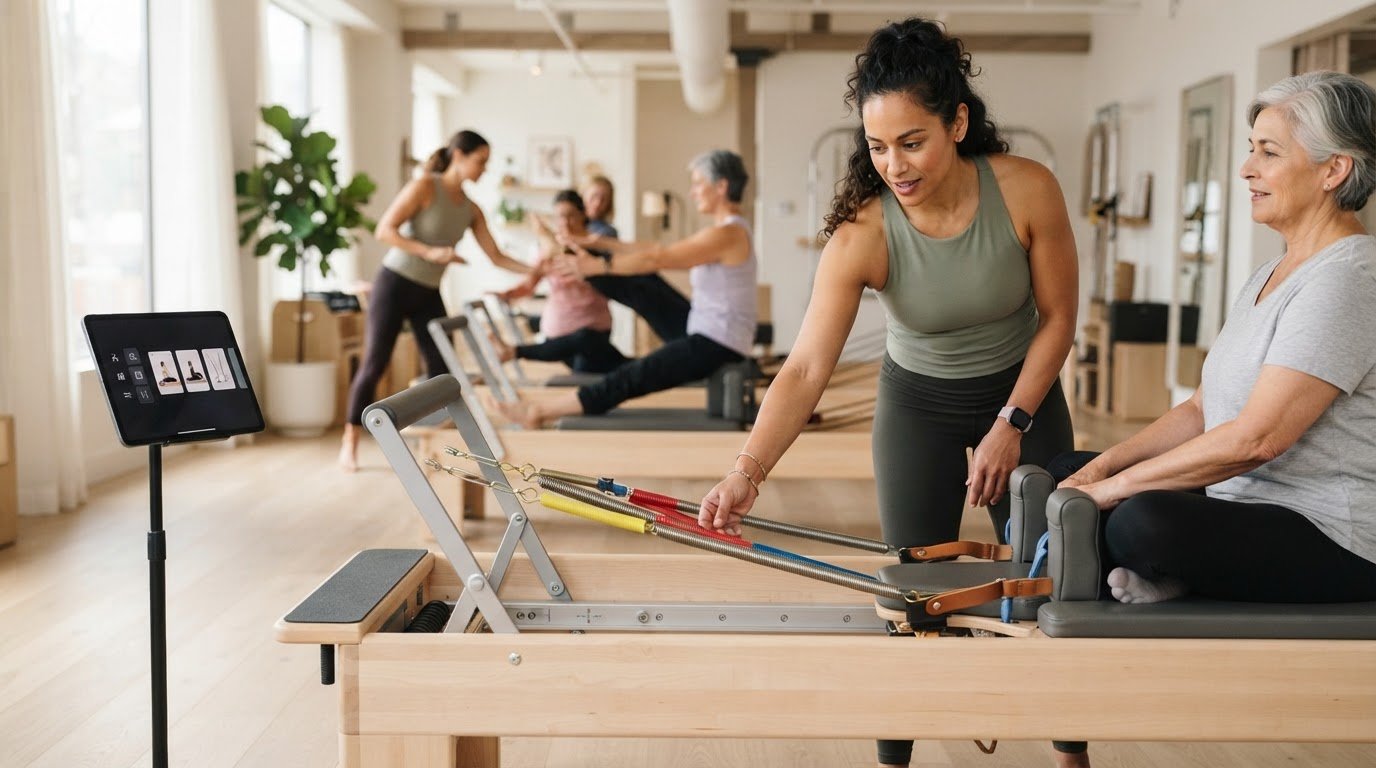
An app that shows reformer spring settings is only useful when its guidance matches the machine in your studio. Spring colours and tension can vary by brand, so a generic reference may leave you interpreting the setup while class is moving. And when you’re managing a sequence, searching through separate notes can pull your attention from the room.
Look for spring guidance that fits your equipment and teaching workflow. The right tool should help you prepare a coherent class, find exercise details quickly, and keep your focus on your clients while you teach.
This guide explains what to look for: machine-specific spring configurations, exercise information that supports class planning, and a clear in-class view you can reference at a glance. You’ll also see how ReformerFlow combines spring details with a library of more than 400 exercises, so you can compare the practical features that make preparation clearer and teaching feel more composed.
Key Takeaways
- Start by identifying the Reformer you teach on, then check how an app represents its spring setup.
- Compare apps, static charts, and personal notes against the same needs: preparation, machine fit, and quick access while teaching.
- Look beyond library size. Exercise context, demonstrations, and a readable teaching mode can make spring guidance more useful.
- An app that shows reformer spring settings is most practical when it connects those details with exercise selection and class planning.
- ReformerFlow combines machine-personalised spring setups with exercise videos and level details to support a more considered plan.
Table of Contents
- What Should an App That Shows Reformer Spring Settings Actually Do?
- How to Assess Whether Spring Settings Match Your Reformer
- Spring-Setting App vs. Static Chart: Which Fits Your Teaching Workflow?
- A Practical Checklist for Choosing a Reformer Spring-Setting App
- How ReformerFlow Connects Spring Settings with Class Planning
What Should an App That Shows Reformer Spring Settings Actually Do?
An app that shows reformer spring settings connects specific Reformer exercises with spring-setup guidance, helping instructors prepare and reference a class. Treat settings as reference points, not universal prescriptions. You still need to consider the machine, exercise, client, and purpose of the class.
A spring chart can identify a setup, but a teaching tool should put that information in context. Pilates apparatus is part of the broader Pilates method; in practice, instructors need more than an isolated spring label. They need to see how a setup relates to the movement and the machine they’re using.
What information should appear beside a spring setting?
Start with the exercise. A setting is easier to interpret when it appears beside the movement name and clear exercise guidance, rather than in a standalone list that you have to cross-reference. Look for:
- Machine context: A clear connection between the setting and the Reformer being used.
- Exercise level: Information that helps you consider where the movement fits in a class sequence.
- Visual or written guidance: A demonstration or concise description to clarify the exercise and its setup.
Colour alone isn’t enough. Reformer brands don’t use one universal spring-colour standard, so a colour or label can mean different things on different machines. Check that the setup is clear in the context of the equipment instead of assuming it translates across brands.
Why does machine-specific spring guidance matter?
Instructors may teach on different Reformer models, each with its own spring system. A generic reference can be a useful starting point, but you may have to translate its colours or descriptions into the setup on the machine in front of you. That extra step can make preparation less direct and in-class reference less convenient.
Machine-specific guidance makes the connection explicit: identify the equipment, see how its spring configuration is represented, then review the setup alongside the exercise. You still choose whether to adapt it for the client and class. For more on the equipment considerations behind spring selection, see the Reformer machine spring setup reference guide.
How to Assess Whether Spring Settings Match Your Reformer
Use a simple sequence before relying on spring guidance: identify your machine, inspect how the app describes its setup, then consider whether the information is easy to use in class. This helps you distinguish machine personalisation from a generic chart that leaves the translation work to you.
- Identify your Reformer. Note the model and spring system of the equipment you teach on.
- Inspect the setup details. Check how the app represents that machine’s spring configuration. Don’t assume a colour or resistance label means the same thing across brands.
- Assess classroom usability. See whether the setup appears with the relevant exercise and enough context to reference it while teaching.
Which machine details should an instructor account for?
Begin with the Reformer model and its spring system. Colours and shorthand labels vary between equipment systems, so a “light” spring or a particular colour shouldn’t be treated as a universal measure. If the app doesn’t make clear how its settings relate to your machine, you may need to interpret the recommendation yourself. For more on adapting guidance across equipment, read the guide to customising spring settings for different machines.
Professional context matters, too. The Pilates Method Alliance offers a point of reference for the wider Pilates community. An app’s spring suggestions still need to make sense for the equipment and teaching situation in front of you.
How can you judge whether settings are usable?
Look at how the information is organised. A spring configuration attached to its exercise is easier to use than a separate chart that requires searching and cross-referencing. Exercise level and a clear demonstration or written description can also help you understand the movement the setup accompanies.
Personalisation should clarify the machine context, not promise one setup for every body or teaching goal. You remain responsible for adapting guidance to the individual client and class. Use the app to prepare and reference your plan, then apply your professional judgement.
To see how machine-personalised settings can fit into an instructor’s exercise workflow, explore ReformerFlow. A well-designed app that shows reformer spring settings should make guidance easier to interpret, not replace the decisions that belong to the instructor.
Spring-Setting App vs. Static Chart: Which Fits Your Teaching Workflow?
A static chart, personal notes, and an app can all support spring selection. The best fit depends on how you prepare, how familiar you are with your equipment, and how quickly you need to reference information while teaching. Compare them using the same practical criteria:
CriteriaStatic chartPersonal notesAppPreparationQuick to consult, but exercise planning may happen elsewhere.Easy to tailor to a familiar sequence; details may need updating manually.May connect spring guidance with exercise selection and class planning.Machine fitUseful when you already know how its labels map to your Reformer.Can record your preferred machine-specific interpretation.Can make machine context part of the spring guidance.Live-class accessEasy to scan if kept close at hand, but separate from exercise details.Familiar, though searching through notes can interrupt your flow.A teaching view can bring exercise and spring details together for reference.
When is a static spring chart enough?
A chart can work well if you know your equipment and already have a reliable reference system. It offers a direct lookup without requiring a dedicated app. Its limitation is context: a standalone chart may not connect a setting to an exercise demonstration, level, or place in your sequence. Not every instructor needs a paid app. Choose a tool that solves a real workflow problem.
What changes when settings sit inside a class-planning app?
When spring information appears with the exercise, you can move from planning to teaching with fewer separate references to manage. Instead of checking a sequence in one place and spring notes in another, you can review the setup alongside the movement. A glanceable teaching view can also make it easier to find the next exercise without extended searching mid-class. You still decide whether a suggested setup suits the client and session.
For broader criteria on choosing a planning tool, see the Reformer Pilates class planning app guide. An app that shows reformer spring settings is most useful when it supports the whole teaching workflow, not just a spring lookup. Choose the simplest format that keeps your machine reference clear and your class plan easy to follow.
A Practical Checklist for Choosing a Reformer Spring-Setting App
Focus your checklist on the moments that matter: building a sequence, checking a setup, and staying present while teaching. Assess whether an app fits your equipment and daily workflow instead of choosing on feature count alone.
- Machine personalisation: Can you identify your Reformer and see spring configurations that reflect its setup, rather than relying on generic colour labels?
- Exercise context: Are spring details attached to the relevant exercise, so you don’t have to search a separate reference?
- Exercise demonstrations: Does the app provide video or clear written guidance to help you interpret the movement?
- Level information: Can you see the exercise level alongside the setup as you shape a class sequence?
- Teaching-mode readability: Is the information easy to scan on the device you plan to use in the studio?
- Library usefulness: Is there enough relevant Reformer content for your planning needs? A larger library isn’t automatically better if entries lack useful context.
- Device compatibility: Does the app work on your iPhone, iPad, or Android device?
- Low-friction evaluation: Can you experience the workflow before committing to a subscription?
What should you test before relying on an app in class?
Choose a familiar exercise and follow its information from start to finish. Check how quickly you find the spring setup, whether the machine configuration reflects your Reformer, and whether the exercise level and demonstration help you interpret the guidance. Then view the same information on the device you expect to use in the studio. Small text or a hard-to-find setting can turn a useful reference into a distraction.
Which features support confident day-to-day teaching?
Check whether video, level, and spring details work together rather than appearing as disconnected facts. A glanceable teaching view should let you confirm the next exercise and its setup without extended searching or pulling attention away from clients. During preparation, see whether you can move from selecting exercises to reviewing spring guidance in one flow. That connection can make a plan easier to follow in class.
ReformerFlow is available for iPhone, iPad, and Android, with a 14-day free trial. Use the trial to explore its machine-personalised guidance and teaching workflow on your own device.
Try ReformerFlow free for 14 days## How ReformerFlow Connects Spring Settings with Class Planning
For instructors who want spring guidance connected to exercise selection, ReformerFlow brings machine-personalised settings into a Reformer exercise library. Instead of treating spring information as a separate lookup, you can consider it alongside the movement as you prepare a class. That makes it a practical option if you’re comparing an app that shows reformer spring settings with a broader teaching workflow.
How does ReformerFlow present spring configurations?
ReformerFlow personalises spring configurations to the instructor’s specific Reformer machine. Its library includes more than 400 curated exercises, with video, level, and spring-setup details. These details give you useful context while choosing movements and shaping a sequence.
Spring guidance is a reference, not a universal prescription. A setup that fits one machine or exercise may not suit every client or class objective. Bring your knowledge of the equipment and the people in front of you to each decision.
During class, the app’s glanceable teaching mode is designed to make information easier to reference without making the device the focus of the lesson. It supports your teaching presence, but professional judgement and attention to clients remain essential.
What can instructors evaluate during the free trial?
Use the 14-day free trial to test the app against your preparation habits. Choose a few familiar exercises and see whether the video, level, and spring details help you plan a sequence clearly. Check whether the machine-personalised configurations make sense for the Reformer you teach on, and whether you can find what you need without disrupting your planning flow.
Then assess the teaching view on the device you’d use in the studio. ReformerFlow is available on iPhone, iPad, and Android, so you can evaluate its readability and access on the screen that fits your setup. Test it with an upcoming class plan to see whether connected exercise and spring information reduces the cross-referencing you do.
If machine-specific spring guidance, exercise detail, and a glanceable class reference fit the way you teach, ReformerFlow brings those needs together. Use the trial to explore the workflow and decide whether it supports your preparation.
Download ReformerFlow and start the 14-day free trial## Choose a Spring Reference That Supports Your Teaching
The best app that shows reformer spring settings makes guidance relevant to your specific machine and easy to use alongside exercise planning. Look for spring details connected to the exercise, clear context for interpreting the setup, and a teaching view you can reference without losing focus on your clients. Settings can inform your preparation, but your professional judgement guides the final choice for each person and class.
ReformerFlow brings those details together in a library of more than 400 curated exercises, each with video, level, and spring-setup information. Configurations are personalised to your Reformer, and glanceable teaching mode supports quick reference during class. Explore whether that workflow fits the way you prepare and teach.
Explore ReformerFlow and start your 14-day free trialExplore ReformerFlow and use the 14-day free trial to see how its spring guidance and class-planning tools fit your teaching workflow.
Frequently Asked Questions
Is there an app that shows Reformer spring settings for different machines?
Yes. ReformerFlow provides spring configurations personalised to the instructor’s specific Reformer machine. This matters because spring labels and systems can differ between equipment models, so a generic chart may need interpretation. An app that shows reformer spring settings is most useful when its guidance reflects the machine you teach on and appears alongside the relevant exercise. You still decide whether a setup suits the client and class.
Can an app personalise Reformer spring settings to my machine?
Yes. ReformerFlow personalises spring configurations to your specific Reformer machine, connecting the setup information to your equipment rather than presenting it as a universal prescription. Machine personalisation makes guidance more relevant, but it doesn’t determine the right setting for every person or teaching goal. Use the information as a planning reference, then apply your professional judgement to the class and individual client.
How accurate are spring settings in a Reformer Pilates app?
An app can provide useful machine-specific guidance, but no setting should be treated as universally accurate for every Reformer, client, or exercise variation. Spring systems and labels can differ between machines. Check that the app’s configuration corresponds to your equipment, and use your Reformer’s own guidance where needed. Treat the suggested setup as a reference, then adapt it using your knowledge of the client and teaching context.
What should a Reformer spring-setting app show beside each exercise?
Look for the spring setup alongside the exercise name, level, and clear movement guidance, such as a video or written description. This context helps you understand which setup belongs to which exercise and where it may fit within a sequence. Machine information matters too, since spring labels aren’t universal across equipment. Connected details reduce the need to switch between an exercise list and a separate spring chart while planning.
Can I use a spring-setting app while teaching a Reformer class?
Yes. An app can serve as an in-class reference if its teaching view is quick to scan. ReformerFlow includes a glanceable teaching mode designed for live instruction, so you can refer to exercise information without extended searches. Use the view to support your class plan, not to replace your attention to clients. Your professional judgement remains central when selecting or adapting a spring setup.
Does ReformerFlow include spring settings with its exercise library?
Yes. ReformerFlow’s library includes more than 400 curated Reformer exercises, with video, level, and spring-setup details. The spring configurations are personalised to the instructor’s specific Reformer machine. This connects exercise selection with equipment context during preparation and provides a reference for teaching. Settings are guidance, not a guarantee that one configuration is right for every client or class.
Is ReformerFlow available on iPhone, iPad, and Android?
Yes. ReformerFlow is available on iPhone, iPad, and Android devices through the App Store and Google Play. You can assess the app on the device that fits your studio workflow, from reviewing exercise and spring details during preparation to checking the glanceable teaching mode. ReformerFlow offers a 14-day free trial to explore whether its machine-personalised guidance suits your class planning.